This website is under construction, but I have already set up some of the links to the stuff I've been working on.
Reverie Version 1.0
Download Now (4736 KB) - Windows 9x/NT/2000
Reverie is a freeware 3D multimedia authoring tool, that allows you to create multimedia presentations or applications using a point-and-click interface. Users can import 3D models and animate the objects based on a timeline, or using the built-in scripting language.
The current version can only import 3D objects that are saved in the Caligrari trueSpace format (*.cob extension). If you want to import objects from other 3D modelling tools, you can convert them to the Caligari format first, using the shareware program '3D Exploration'.
More plugins are being developed for Reverie at the moment (for additional file formats and more features etc). If you are interested in helping to develop these plugins, you can email me (address below) for information about the Reverie SDK.
Below is a list of features that are available in Version 1.0. Check this site from time to time to get information about new plugins and new features.
- import objects saved in Caligari trueSpace format (*.cob)
- add text objects
- objects can be moved, rotated and scaled using keyframes on the timeline
- drag and drop cast members onto the timeline
- add lights to the scene (up to 8 lights on most OpenGL implementations)
- change light colour/intensity along the timeline
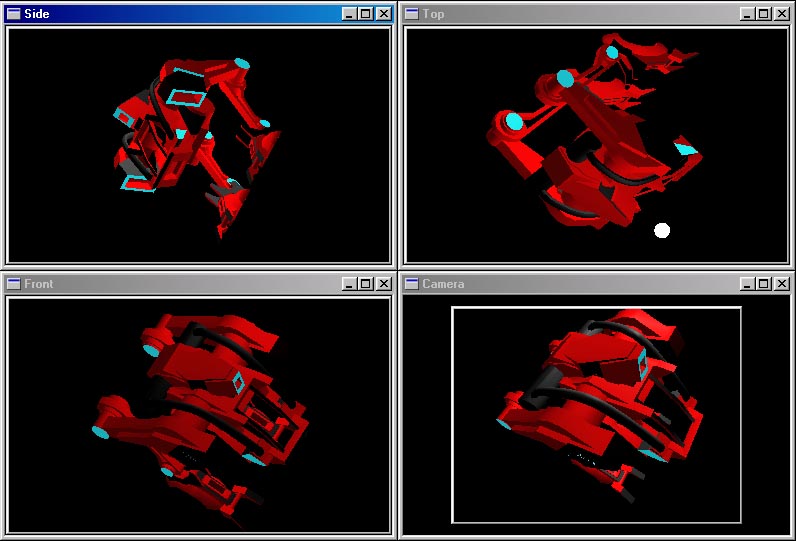
- 4 types of views. OpenGL 3D acceleration is used to display each of these views.
- camera (perspective)
- front (orthographic)
- side (orthographic)
- top (orthographic)
- built-in scripting language
- assign wave sounds to objects for real-time 3D surround sound
- generate Windows executable files for packaging multimedia presentations or applications
Here are some screen shots from the Reverie software. Click on the image for a fullsize screenshot.
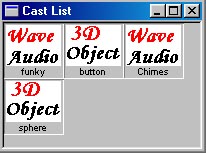 The cast list window shows all the cast members that have been imported into the current project. In this version, you can import 3D objects (*.cob extension) and wave audio files (to play 3D surround sound).
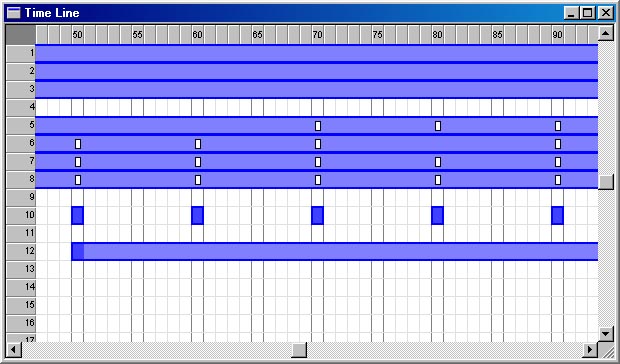 The timeline window allows you to arrange objects making them appear at certain frames and disappear at certain frames. You can also insert keyframes from the timeline, to allow you to specify the specific key points in your animation sequences.
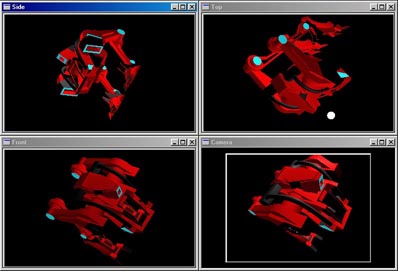 Four different views (camera, front, side and top) allow you to have complete control while moving, rotating and scaling objects.Each view can be opened separately.
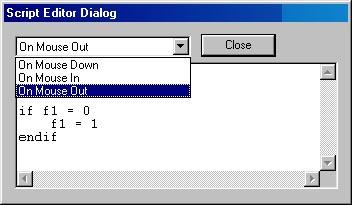 Using the built-in scripting language, you can add interactivity to your multimedia presentation or application. You can also make dynamic changes to objects properties, such as colour and transparency.
Download Now (4736 KB) - Windows 9x/NT/2000
Plugin News
No plugins are available yet. Please check this space soon for some plugins.
This software uses OpenGL to display the 3D graphics. Visit www.opengl.org for more information about OpenGL.

This software uses OpenAL to create the 3D surround sound. Visit www.openal.org for more information about OpenAL.

Back to main page
Webmaster: Shezan Baig